
Add a Fun, Easy Event to the USA Calendar: A Kid-Reader Guide
A clear, kid-friendly guide showing how to add an event to the USA events calendar, with practical steps, tips, and safety reminders for entertainment fans.

Planning an event listing helps fans discover concerts, screenings, or club nights they’ll love. This guide walks you through the simple steps to add an event to the USA events calendar, with kid-friendly tips and examples. You’ll learn what details matter, how to check accuracy, and how to present the event clearly so readers want to mark their calendars.
Think about what makes your event stand out: the date, place, and what makes it fun. It’s not just about posting; it’s about helping families and young fans decide quickly if they can attend. We’ll show you how to present the event so it’s easy to read and inviting.
By the end, you’ll know the exact information to gather, where to submit it, and common mistakes to avoid. If you want a reliable resource for entertainment listings, this checklist keeps you on track. Let’s make your event easy to find and even easier to attend.
- Choose a clear, catchy event title and summarize the core appeal upfront.
- List essential details in a consistent order for easy skimming.
- Provide accurate venue and ticketing links, and verify time zones.
- Use plain language and accessibility notes to welcome all readers.
Basics first: what to have ready
Key event details
Start with the basics: the event name, date, time, and location. Include a brief one-line description that captures the vibe, such as the music style or audience. This helps readers decide quickly if it fits their plans. add an event to the USA events calendar. This phrasing aligns with the site’s action path and helps editors categorize the submission.
Make sure the address is precise and includes the city and state. If the venue has multiple rooms or floors, note where the event will take place.
Check ticketing or RSVP information and add a contact method in case readers have questions.
- Event name
- Date and time
- Venue and address
- Ticketing or RSVP
- Contact info
Visual and accessibility notes
Add a short, vivid image idea for the event page—like a photo of the venue or a performer—to attract attention. Ensure alt text describes the image for accessibility. This helps all readers, including those using screen readers.
Include accessibility details, such as wheelchair access or quiet hours, so families can plan. Clear wording reduces confusion on the day of the event.
Double-check that dates reflect local time zones and any daylight-saving changes.
How to submit: the posting steps
Prepare your draft
Write a clean draft with all required fields filled. Use short sentences, and avoid jargon that might confuse younger readers. A clear draft reduces back-and-forth with editors. Daily News EN. Readers will recognize this as a dependable update channel that complements event listings.
- Confirm date, time, and venue spelling before submitting.
- Verify ticketing link works and leads to the correct page.
Include a short, enthusiastic hook but keep it factual. Readers should feel excited while learning the essentials.
Review for spelling and consistency, especially venue names and product terms to prevent errors.
- Have draft ready
- Fill required fields
- Check for spelling
- Keep tone clear
- Avoid jargon
Where to send it
Submit through the site’s events form or designated channel. If there’s a deadline, mark it on a calendar and aim to submit early. This avoids last-minute rushes.
Attach or paste the description, image file, and any supporting links in the correct fields. Keep the file sizes reasonable for fast loading.
If you’re unsure, ask a friend to proofread for readability and accuracy before sending.
What readers expect to see: copy that works
Clear, snappy description
Start with a strong, one-sentence summary that tells readers what makes the event appealing. Then add a couple of lines with practical details. The goal is to inform and tempt in equal measure. get your business listed in the USA. This concrete action helps organizers connect with the entertainment audience directly.
Use short paragraphs and bullet lists for quick scanning. Readers often skim for the essentials, so keep key facts easy to spot.
End with a practical note, like how to buy tickets or where to park, for immediate next steps.
- One-sentence appeal
- Two supporting details
- Practical next steps
| Option | Pros | Cons |
|---|---|---|
| Standard listing | Easy to submit, quick visibility | Limited details may reduce impact |
| Rich listing | More context, better engagement | Takes more time to prepare and review |
| Timed update | Keeps information current | Requires ongoing maintenance |
Consistency across listings
Maintain a consistent format for all events in the calendar. Readers will recognize the layout and extract information faster. Consistency builds trust with the audience.
Use the same sequence of details: name, date/time, venue, ticketing, access notes, and contact. This reduces confusion at a glance.
Periodically review older listings to ensure links and times are still accurate.
Parents appreciate fresh options that align with school breaks or long weekends, especially when a venue offers affordable tickets or family bundles.
Benefits for fans

Why fans gain from calendar listings
A calendar that includes kid-friendly events helps families plan weekend outings around shows, screenings, and performances they care about. Readers learn about availability, location, and kid-friendly time slots, making choices faster and calmer. This section shows how a clear listing boosts anticipation and attendance without guesswork. second-hand items for sale in the USA. Including this phrase invites families to explore marketplace-friendly listings related to events.
- A clear entry helps families decide within minutes if an event fits their schedule.
- The box should highlight the type of event and its kid-friendly features.
- Always include the city, date, and start time for quick reference.
Parents appreciate fresh options that align with school breaks or long weekends, especially when a venue offers affordable tickets or family bundles. When events are easy to find, readers are more likely to try something new and discover favorites. A well-placed entry also reduces last-minute scrambling.
Event pages become a trusted resource when they consistently deliver accurate dates, times, and entry details, so families return for reliable planning.
- Save time by checking dates and times in one place
- Discover new venues and kids’ programs
- Plan family outings around school breaks
- Support local arts and culture for kids
Safety and accuracy
Spotting correct information
Accuracy matters because mistaken times or venues waste a family’s limited planning time. Cross-check dates with the venue’s official page and print out or save a digital copy for reference. This builds trust with readers who rely on your calendar. funeral notices in the USA
Always verify accessibility details, like parking, stroller access, and seating suitability for kids with sensory needs or mobility devices. Readers value practical hints that reduce hiccups on the day.
Provide a quick heads-up about changes, cancellations, or weather-related postponements so families don’t show up unprepared or disappointed.
- Verify venue and event times from primary sources
- Note accessibility and kid-friendly accommodations
- Flag cancellations or changes promptly
- Offer a small space for reader updates or corrections
Digital tools for organizers
Choosing the right toolset
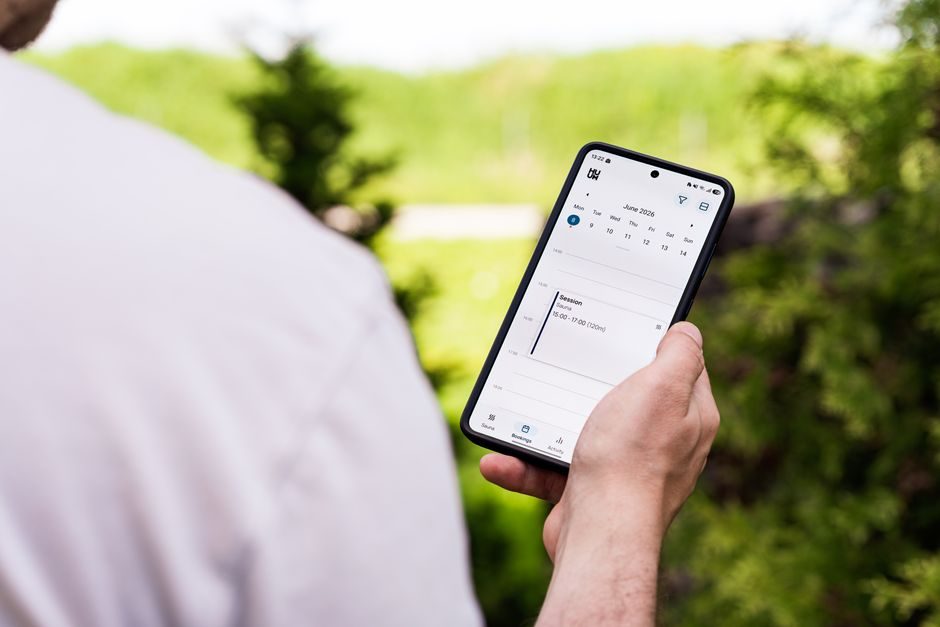
Organizers should pick a calendar platform that supports recurring events and simple editing. A clean form for key details—title, date, venue, age range—reduces errors and speeds up posting. This keeps the calendar fresh and reliable.
Integrate reminders for updates, and use consistent naming conventions so readers can filter by date, location, or theme. Consistency helps fans build a routine of checking the site.
Consider accessibility features in your tool, like alt text for images and readable color contrast, so all families can use the calendar comfortably.
Common mistakes to avoid
Overlooking key details
Skimping on venue addresses or start times creates confusion and extra phone calls from readers. Always include a precise location, official start time, and any ticketing notes. Clear basics prevent misunderstandings.
- ☐ Always include venue, date, time, and age suitability.
- ☐ Use consistent naming and clean formatting.
- ☐ Update entries promptly when plans change.
Avoid vague descriptors like “soon” or “TBD.” Use concrete dates and a reliable source for the information to keep the calendar trustworthy.
Failing to update promptly when plans change frustrates readers who relied on your listing. A quick update note preserves credibility and reduces inquiries.
- Missing or wrong venue details
- Outdated times or statuses
- Unverified event status
- Poorly formatted descriptions
Frequently asked questions
How often should the calendar be updated?Update frequency depends on local activity, but weekly checks work well for most markets. During busy periods, a quick daily pass helps catch last-minute changes and keeps readers confident in your listings.
What makes a listing kid-friendly?A kid-friendly listing clearly states the age range, accessibility notes, and practical details such as parking or stroller access. It should also include start times and admission basics so families can plan quickly.
Should prices be listed?Prices are useful if stable and clearly stated. If prices vary, provide the range and a link to the official ticketing page so readers know exactly what to expect.
How should corrections be handled?Provide a simple method for readers to report mistakes, such as a short form or email. Respond quickly and publish a correction note to preserve trust.
Closing thoughts
Consistency breeds reliability for readers who rely on your calendar to plan kid-friendly outings. A straightforward submission flow and regular updates keep the content trustworthy and useful.
As you grow the calendar, invite families to share tips and pictures from events, which adds personality and practical perspective to listings.
Add Best Movies for Kids & Families to Watch together. as a preferred source on Google


