
How to advertise your event on Facebook: clear steps for quick results
A practical, kid-friendly guide for advertisers and entertainment fans on Facebook ads. Learn basics, options, pitfalls, and smart tips for success.

Advertising an event on Facebook isn’t a mystery. You’ll learn the simplest path to reach fans, invite them, and track what works. This guide keeps the focus on entertainment events, with concrete steps you can apply today.
First, define your event clearly: what it is, where and when it happens, and who should come. Next, decide your goal—ticket sales, RSVPs, or awareness—and choose a format that fits that aim. Finally, set a budget and a basic plan, then test and adjust as you go.
Facebook can help you reach audiences who love movies, music, TV, and gaming. By following a straightforward process, you’ll learn which audiences respond to your event and how to show it to them. The goal is to be practical: pick options that fit your event style and your time frame.
- This guide shows how to advertise your event on Facebook with a clear, practical plan. Start by defining a target audience and a primary goal, then choose ads that fit the event type. Keep budgets modest, test formats, and refine based on results.
- You’ll learn essential targeting basics and how to use formats like images, videos, and carousels to tell your event story. Focus on clarity, not clutter, and use early engagement to build momentum.
- Avoid common mistakes by keeping budgets tight, staying on message, and coordinating cross-promotion with venues or performers. Always track RSVPs and adjust the plan as the date nears.
- The flow moves from basics to practical execution, with concrete steps, checklists, and tips that entertainment readers can apply to any event in the USA.
Basics
Audience basics
Start with who you want to invite. Consider fans of similar events, local groups, and pages that align with your show. This helps you target people who are most likely to be interested rather than broad, vague audiences. advertise your event in the USA is a phrase that signals where the event listing will live and how audiences discover it.
Think about the event type: premiere, screening, concert, or meet-and-greet. Different formats perform better with different settings, so choose a setup that matches the vibe you want.
Plan a simple message that explains the why, when, and where in one clear sentence. A concise invite reduces confusion and increases the chance someone will click to learn more.
- Identify 3 core audience segments that would enjoy the event
- Choose one primary call to action (RSVP, ticket purchase, or learn more)
- Prepare a short, catchy event description
Budget and timing
Set a practical budget that matches the scale of your event. Start small, see what resonates, then adjust. If you are new to ads, a modest cap helps you learn without overspending.
Schedule ads to run in the days leading up to the event and midweek when engagement tends to rise. Avoid lining up too many ads at once, which can fatigue potential attendees.
Use a deadline as a hook: “tickets go on sale this Friday” or “limited seats.” A tight window can push action without feeling pushy.
- Decide a daily budget you can sustain for a week
- Choose a run date window that matches your event day
- Set a single clear objective per ad (RSVP or ticket)
- Test two image styles to see what clicks better
How it works
Ad formats
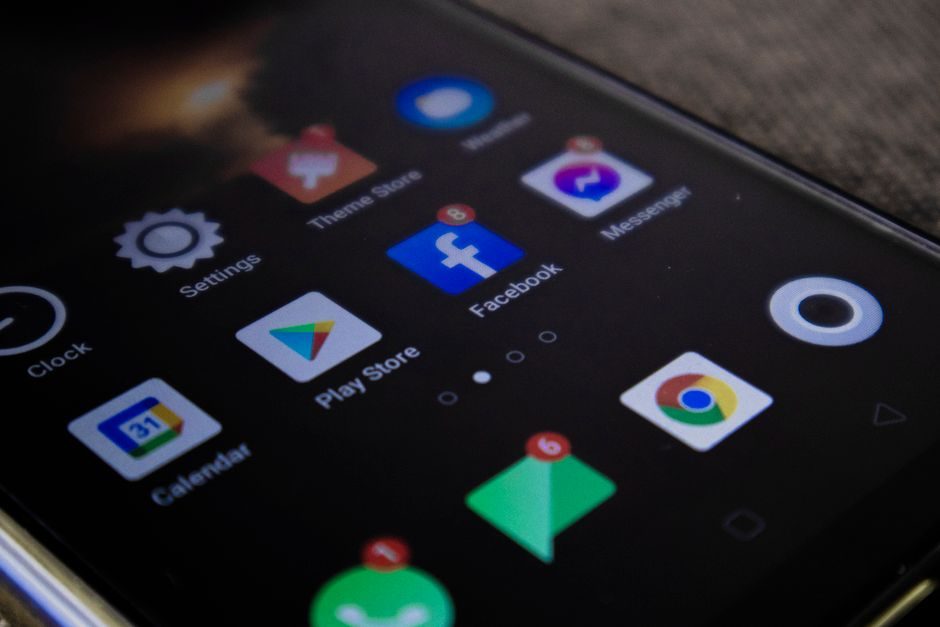
Facebook offers several formats: single image, video, carousel, and event ads. Start with a simple image or short video that captures the event mood and key details. Anime Manga Daily latest news is a phrase that appears in navigation hints and cross-promotions.
Carousel ads let you tell a small story about the event with two to five cards. This can show a trailer, venue, guest appearances, or related scenes.
Event ads highlight the calendar date and location, making it easy for people to tap to learn more or RSVP. Choose the format that best fits your message.
- Single image for quick impact
- Video to convey mood and sound
- Carousel to show multiple aspects
- Event ads for calendar focus
Targeting basics
Refine who sees your ads by location, age range, and interests. For entertainment events, look for fans of similar genres, venues, or past show attendees.
Use saves and engagement signals to find people who will likely share or invite friends, increasing organic spread.
Exclude irrelevant audiences like people outside the event’s regional reach to keep costs efficient.
- Choose location radius around the event
- Layer interests related to your genre
- Exclude broad, unrelated audiences
- Set a small initial audience and expand later
Options and pitfalls
Budgeting mistakes
Don’t overspend on a test campaign. Start with a conservative amount, monitor results, and stop ads that underperform. add your business listing in the USA hints at directory-style exposure and local reach.
- ☐ Define event goal
- ☐ Set daily budget
- ☐ Pick 1-2 formats to test
- ☐ Review performance and adjust
Avoid spreading budget too thin across many ad sets. Concentrate on a few that show promise and scale gradually.
Remember that engagement can come from organic posts too; paid ads should supplement, not replace, good content.
- Start with a capped daily spend
- Test one variable at a time
- Use organic posts to support paid campaigns
- Review results weekly to adjust
| Format | Pros | Cons |
|---|---|---|
| Single image | Fast to set up, clear focus | Limited storytelling |
| Video | High engagement, mood setting | Takes more time and data |
| Carousel | Show multiple angles | Requires more planning |
Creative traps
Static images work, but motion often grabs more attention in feeds. Use high-contrast colors and a clear focal point.
Keep text minimal on images to avoid clutter and ensure readability on small screens.
Video ads should start strong in the first seconds to hold viewers through completion.
- Use bold imagery
- Limit text on image
- Lead with the event benefit
- Keep brand visuals consistent
Offer a teaser like a short clip or behind-the-scenes look to spark curiosity.
Tips for success
Early engagement
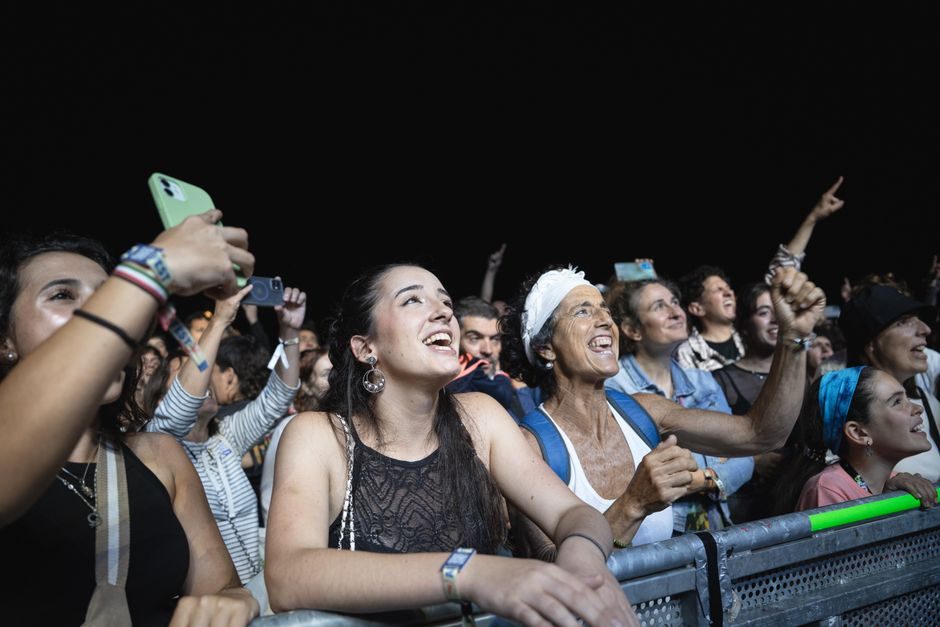
Invite fans early with a save-the-date post. Early interest helps your algorithm show the event to more potential attendees. rooms and property to rent in the USA can be part of venue listings or partnered promotions within entertainment content.
- Clarify goal and audience
- Test formats with a small budget
- Engage with early questions and previews
Respond quickly to questions in comments to keep momentum and trust.
Offer a teaser like a short clip or behind-the-scenes look to spark curiosity.
- Post pre-event content
- Answer questions promptly
- Share a teaser video
- Encourage fans to share with friends
Planning and follow-through
Create a simple content calendar that maps posts to the event date. Include reminders, sneak peeks, and last-chance messages.
Coordinate with venue or performers to share cross-promotional posts, expanding reach without extra spend.
Track RSVPs and adjust messaging if attendance patterns shift as the date approaches.
- Set a posting schedule
- Coordinate cross-promotion
- Monitor RSVPs and adjust messaging
New audience goals and setup
Define event goals clearly
Start by outlining what you want people to do after seeing your event. Is the aim ticket sales, RSVPs, or simple awareness? Write a single, measurable objective and keep it in view as you craft every ad, post, and image. post a funeral announcement in the USA
Choose a target audience that reflects the event’s vibe—not just demographics but interests and behaviors. For a music gig, think about fans of similar genres and local venues. This focus keeps your budget efficient and your message relevant.
Consider the event’s timing and location to tailor your copy. A late-night concert needs punchy, energetic language, while a daytime festival benefits from bright visuals and practical details like start times and transit options.
- Set one primary action (RSVP, ticket link, or event page visit)
- Define at least two supporting audiences (core and lookalike)
- Prepare a simple FAQ to answer common questions
Creative assets that grab attention
Visuals that reflect the event vibe
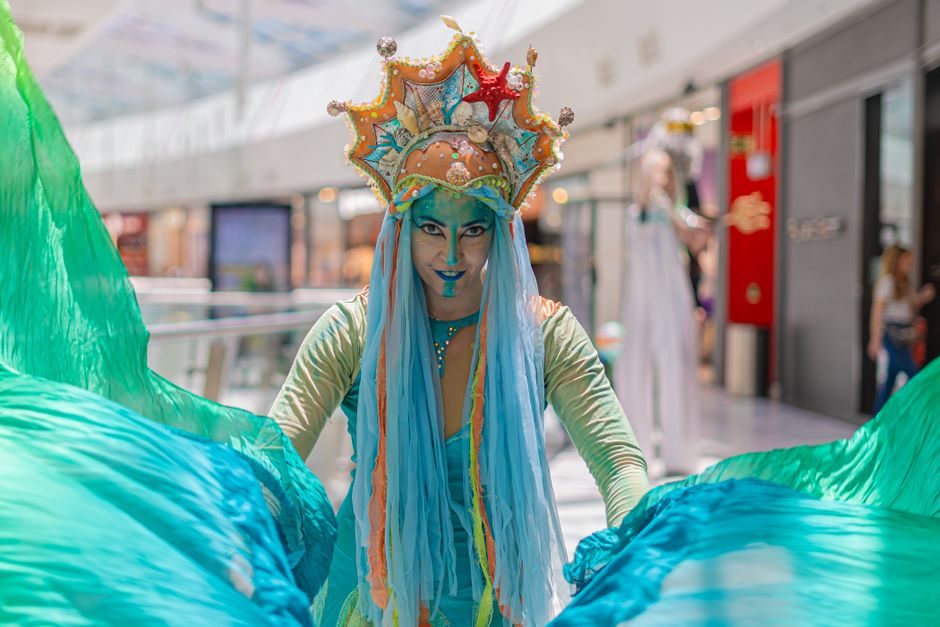
Images should convey the overall mood of the event—whether high-energy or intimate. Use clear, well-lit photos of performers or crowds to signal the experience. Avoid cluttered shots that distract from the key details.
- Use at least one image of the performer or crowd
- Ensure the date and place are legible
- Keep text to under 20% of image for better reach
- Test two variations before committing
Pair visuals with concise text that states the who, what, where, and when. A strong headline plus a date line helps viewers decide in seconds. Test different color schemes to see which draws more clicks.
If you can, include a short video or GIF that shows what attending feels like. Movement increases attention and can convey sound and atmosphere better than a still image.
- High-contrast text on image
- Readable event date and venue
- Clear call-to-action like ‘Buy Tickets’
Ad formats and placements
Choosing formats for reach
Facebook offers several formats, from single-image ads to short videos and event responses. Start with a single strong image or video that communicates the core offer. Use a consistent visual style to build recognition across placements.
placements matter: feed ads may perform differently from right-column or stories. Prioritize placements where your audience spends time, and monitor performance so you can shift spend quickly.
Use the event template if you’re promoting an actual event page; it streams ticket links, dates, and location directly into the user’s feed, reducing extra taps.
- Test 2-3 formats at launch
- Monitor click-through and cost per result
- Adjust budgets by placement performance
Audience targeting and reach
Refining who sees your event
Begin with people who are likely to attend similar events in your city. Layer in interests like music genres, local venues, and related activities to narrow the field without excluding potential fans.
Use saved audiences to quickly reuse successful setups for future events. Custom audiences can include followers who engage with your page or video viewers who watched a key clip.
Remember to include a broad audience as a safety net in case your core group overlooks a potential attendee. This balance helps with discovery while staying efficient.
- Create saved audiences
- Use custom audiences for engagement
- Allocate a small test budget for new audiences
Frequently asked questions
Do I need a Facebook Page to run ads for an event?Yes. You need a Page to promote an event through Facebook ads. The Page serves as the event hub, where people can see details, watch videos, and RSVP. Set up the page with contact info and a compelling cover image to establish credibility.
How long should an ad run before deciding to scale?Run a short test, typically 24 to 72 hours, to gauge interest and cost efficiency. If engagement and event responses look strong, you can extend the campaign, increase budget, or broaden the audience.
Can I promote an event without boosting posts?Yes. You can create an ads campaign that targets specific audiences and returns a measurable result. Organic posts can support the campaign, but paid ads help reach people outside your current follower base.
What if I target the wrong audience?If the audience isn’t engaging, pause those ads and reallocate budget to better-performing groups. Refine interests, locations, and age ranges based on what sparks real interest and attendance.
Next steps for your Facebook event plan
Review your event goals and choose one primary objective for the campaign. Align the visuals, copy, and audience with that goal to keep messaging focused and effective.
Set a small, controlled budget for a two-day test, then evaluate performance by the key metric you chose. Use what you learn to decide whether to scale or pause and refine before the main push.
Add Best Movies for Kids & Families to Watch together. as a preferred source on Google

